

During a match
The in-game menu
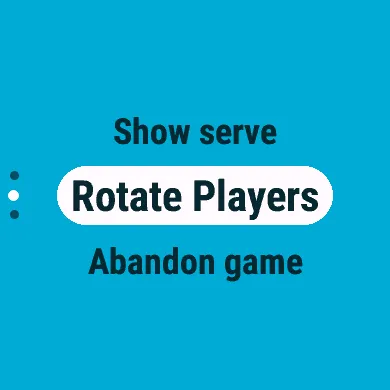
Section titled “The in-game menu”Press SELECT or BACK on the score screen. What it offers depends on the match: Undo Point, for example, appears once a point has been scored.
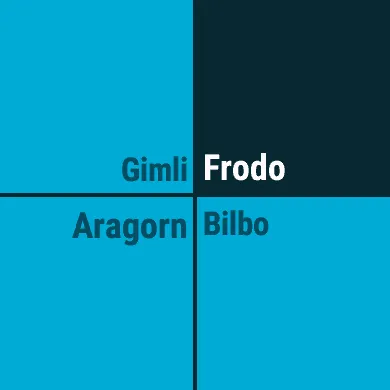
Show Serve
Section titled “Show Serve”A view of the court from above, showing where each player should stand, with the server’s quarter highlighted. It closes after about two seconds, or sooner with any button.
Undo Point
Section titled “Undo Point”Takes back the last point. Undo again to go back further, one rally at a time. It is not available once the match has ended.
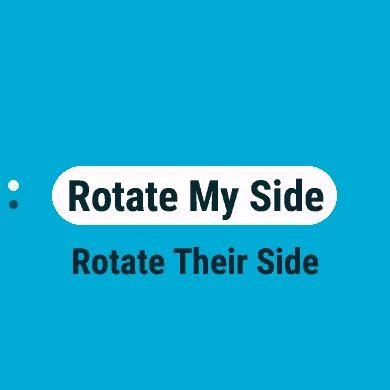
Rotate Players (doubles and mixed)
Section titled “Rotate Players (doubles and mixed)”Swaps the two players of one side, for when they lined up differently from what the watch expects: Rotate My Side or Rotate Their Side.
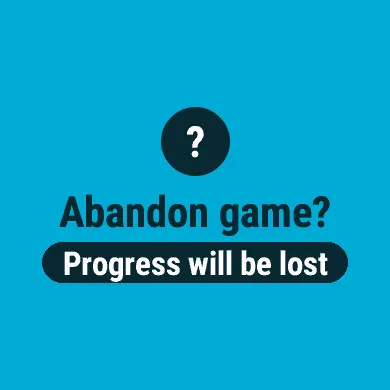
Abandon Game
Section titled “Abandon Game”Ends the match without saving it. CourtKeeper asks first: SELECT abandons, BACK returns to the match.
Breaks
Section titled “Breaks”- Mid-set break. When a side first reaches 11 points in a set, a 60-second rest timer runs, if the Mid-set Break setting is on.
- Change ends. In the deciding set, when a side reaches 11 points, CourtKeeper tells you to change ends, with a tone and a vibration, if Change Ends is on.
- Between sets. When a set ends and the match goes on, a summary shows who won the set, its score, and the sets won so far. With Set Break on, a 120-second rest timer runs first.
Any button skips a timer or closes a notice. Each rest timer beeps and vibrates as it starts and ends.
The end of the match
Section titled “The end of the match”When a side wins the match, CourtKeeper shows the winner and every set’s score. Fireworks go off if your side won and rain falls if it lost (when you are not playing, the winners get the fireworks); turn this off with Animations in Settings.
The match is saved to History by itself. Press BACK to return to the main menu.