

Settings and themes
Open Settings from the main menu. Each setting shows its state in the list (Sound: On); select it to change it.
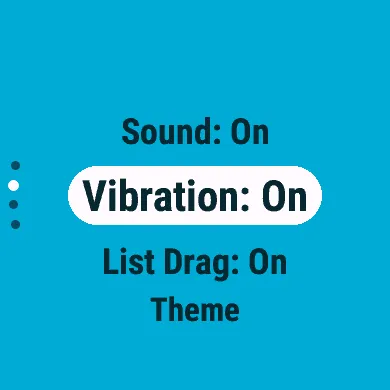
| Setting | Default | What it does |
|---|---|---|
| Sound | On | A tone when the dice land. |
| Vibration | On | A vibration when the dice land. |
| List Drag | On | Touchscreens only. On: dragging scrolls the list under a fixed highlight. Off: dragging moves the highlight. |
| Theme | Bold, Default | The style and colour palette (below). |
Themes
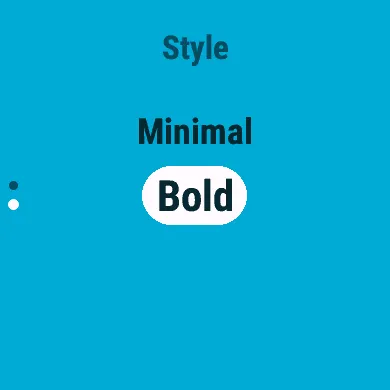
Section titled “Themes”Select Theme to choose the look. It holds two choices, each previewed live: the whole app changes as you scroll, and each choice is saved as you make it.
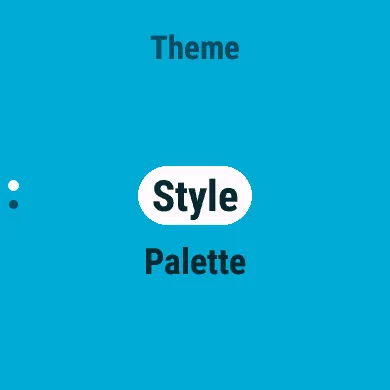
The dice follow the theme too: their faces take the highlight colour, and their pips and numbers the text colour.
How the app is drawn:
- Bold (the default): the palette as it is, with a solid highlight behind the selected row and dots for your place in a list.
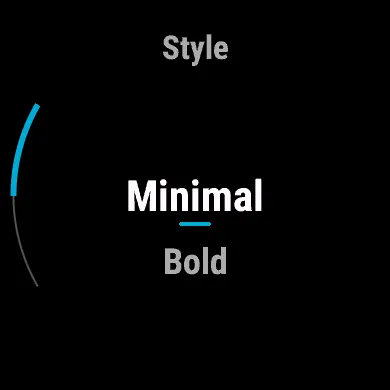
- Minimal: a black background with white text, the palette’s signature colour for everything else, a short underline for the selected row and an arc for your place in a list.
Palette
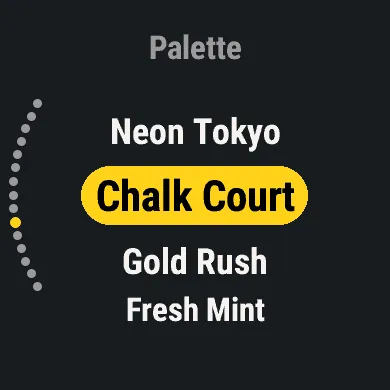
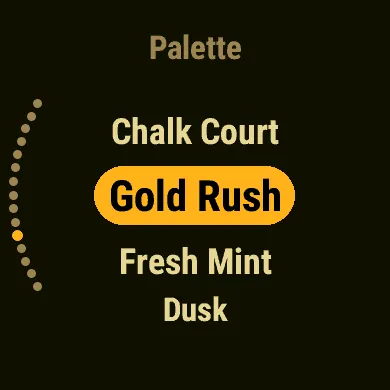
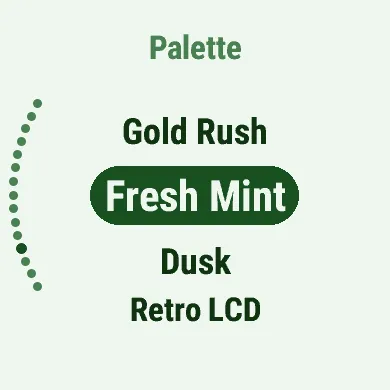
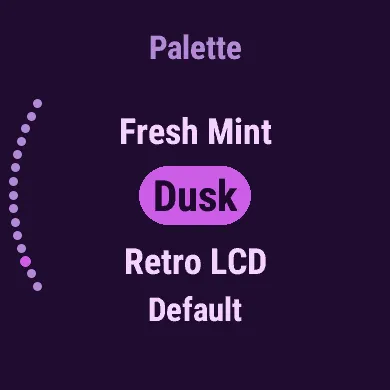
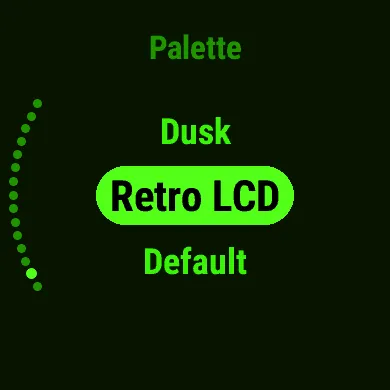
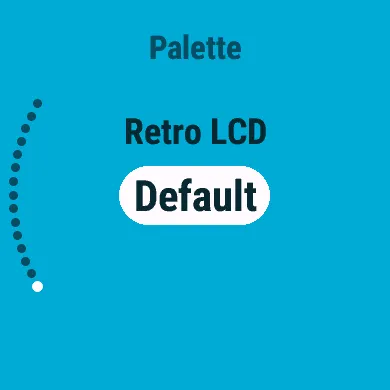
Section titled “Palette”The colours: fifteen palettes, each shown here on its own entry in the picker. Default, the Unterberg Systems cyan and navy, is what DiceKeeper starts with.
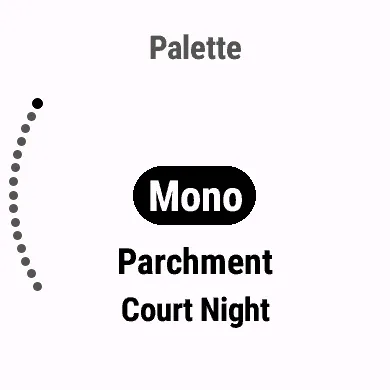
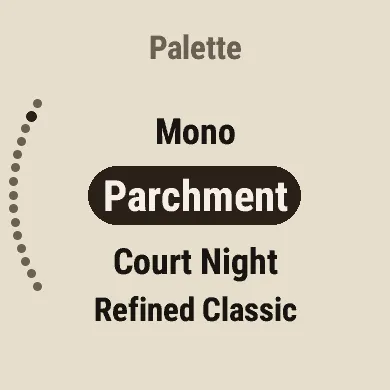
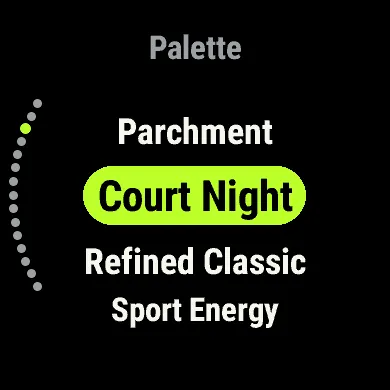
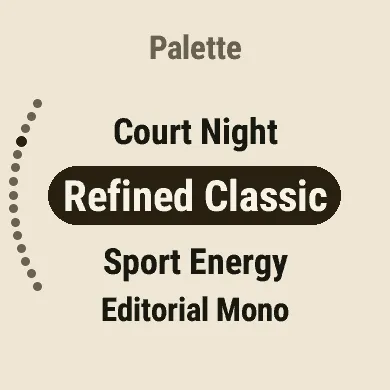

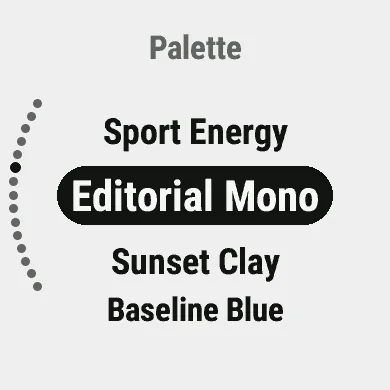
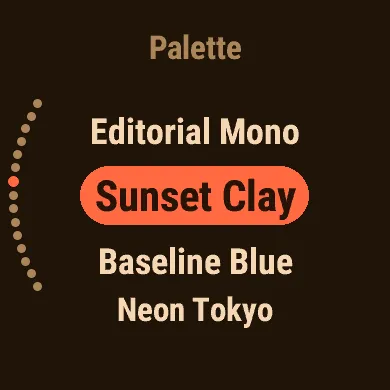
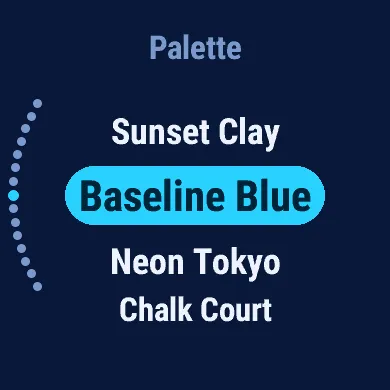
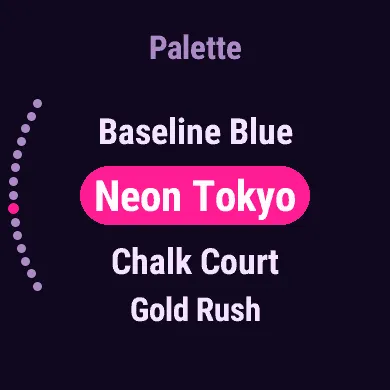
| Palette | Colours |
|---|---|
| Mono | Black on white |
| Parchment | Espresso ink on warm beige |
| Court Night | Black with a shuttle-lime highlight |
| Refined Classic | Dark ink on ivory |
| Sport Energy | Near-black with high-vis amber |
| Editorial Mono | Near-black on soft grey-white |
| Sunset Clay | Dark cocoa with coral |
| Baseline Blue | Dark navy with electric cyan |
| Neon Tokyo | Deep indigo with hot magenta |
| Chalk Court | Dark slate with canary yellow |
| Gold Rush | Warm midnight with rich gold |
| Fresh Mint | Forest green on light mint |
| Dusk | Deep plum with orchid |
| Retro LCD | Phosphor green on black |
| Default | Navy on the Unterberg Systems cyan |