

Starting a match
Choose New Game from the main menu and answer a few short questions. BACK at any step cancels the whole setup and returns to the main menu, so it is quick to start over.
1. Mode
Section titled “1. Mode”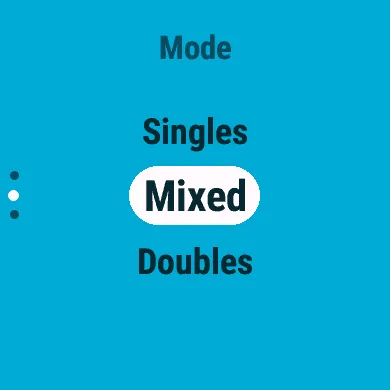
| Mode | Players |
|---|---|
| Singles | 1 against 1 |
| Mixed | 1 against 2, or 2 against 1 |
| Doubles | 2 against 2 |
If there are not enough present players for the mode, CourtKeeper says Not enough players. Add players, or mark some present, in Players.
2. Role (mixed only)
Section titled “2. Role (mixed only)”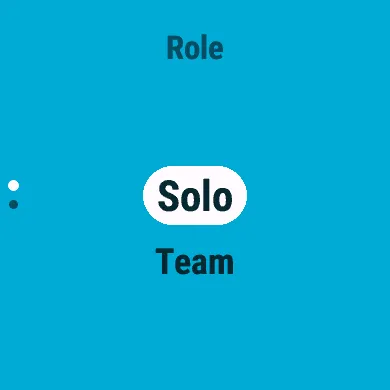
- Solo: you play alone against a pair.
- Team: you and a partner play against one opponent.
3. Players
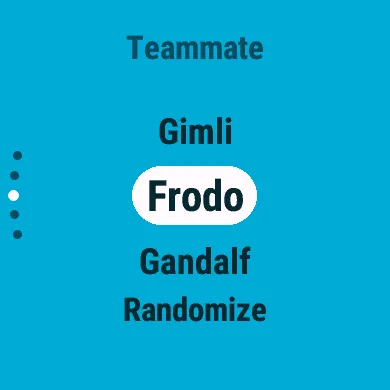
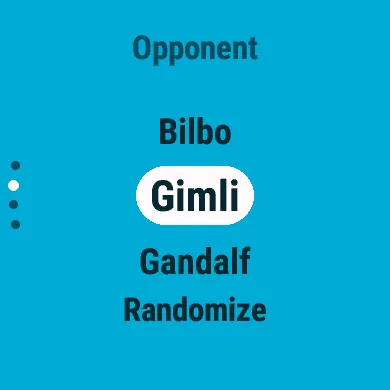
Section titled “3. Players”Fill each place in turn from your present players: your teammate first, if you have one, then your opponents. A heading says which place you are filling. The last entry in every list, Randomize, lets the watch pick someone for you.
4. Format
Section titled “4. Format”| Format | Sets to win |
|---|---|
| Best of 1 | 1 |
| Best of 3 | 2 |
| Best of 5 | 3 |
5. First serve
Section titled “5. First serve”
Pick the side that serves first, or choose Coin Flip and let an animated coin toss decide (SELECT skips the spin). Coin Flip is offered while the Coin Flip setting is on.


The score screen then opens and the match begins: see Scoring a match.
Play Again
Section titled “Play Again”Play Again in the main menu repeats your last match’s setup: the same mode, players and format. It shows both sides and the format; press SELECT to go straight to choosing the first serve.
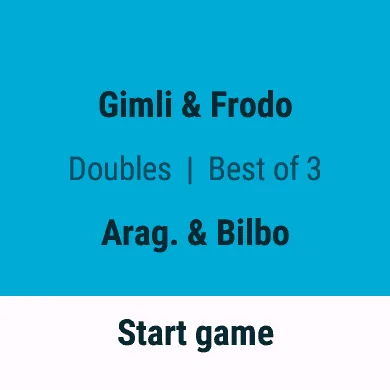
If one of those players is now marked away, it says Some players are away. If you have not finished a match yet, it says No previous game.